Make your own hangman game.
Turn any word list into a playable hangman round. Great for teachers, quiz nights, wedding games, language classes — anywhere the built-in dictionary isn't quite what you want.
- 01
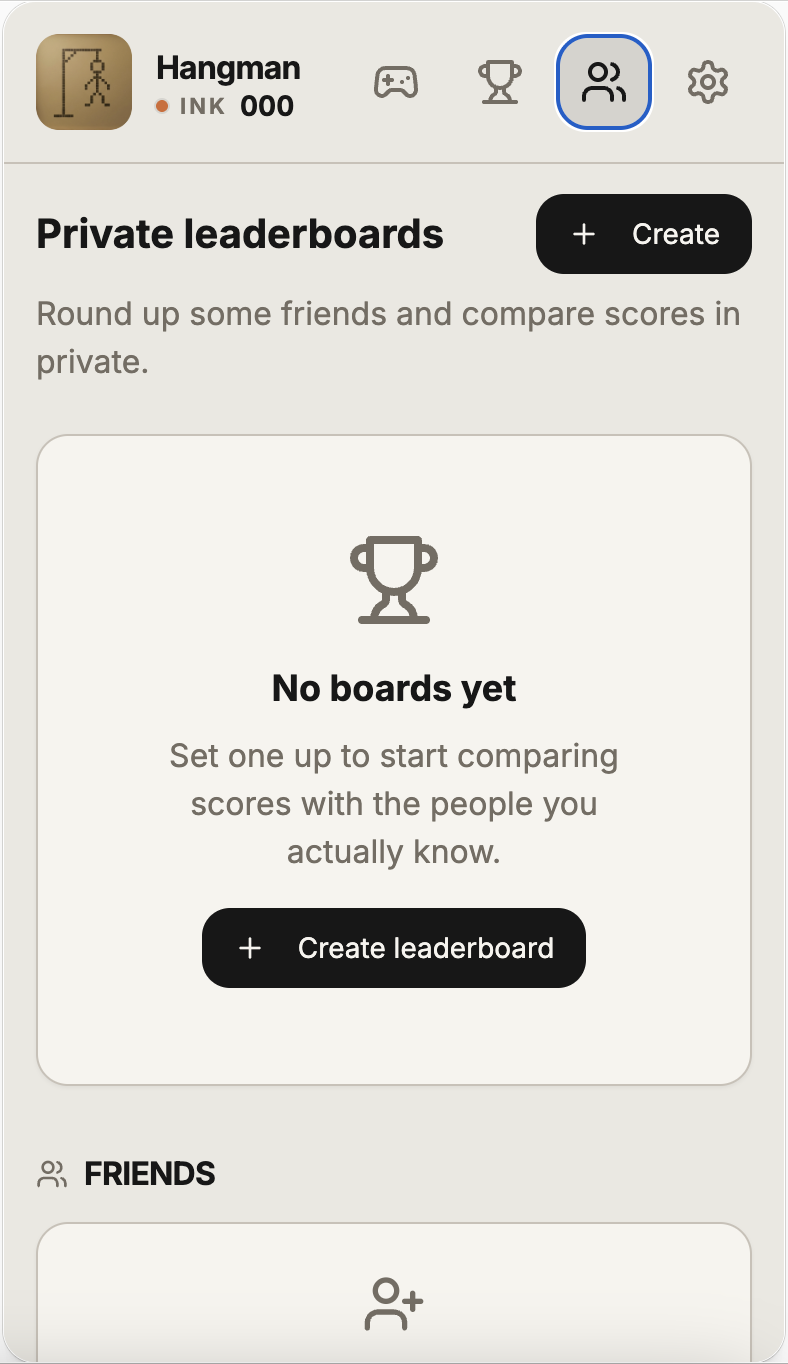
Open Private Boards
In the Hangman app, tap Private Boards from the home screen. No sign-up required to try — sign in with Apple to save and share.
- 02
Add your words or phrases
Paste a list — one word or phrase per line. Mix categories, difficulties, and languages freely. Emoji and punctuation are stripped automatically.
- 03
Set the difficulty
Pick Easy (10 wrong), Medium (6 wrong), or Hard (4 wrong). The hangman drawing scales with the setting.
- 04
Share the invite link
Send the link over iMessage. Friends open the same custom hangman on their phones and compete on a private leaderboard.
Frequently asked
Can I make my own hangman game?
Yes. In the Hangman iPhone app, tap Private Boards, paste your own words or phrases, and share the invite link. Friends play the same custom hangman on their phones.
Is there a free hangman generator?
The hangman generator inside the Hangman app is free to use. You bring the word list; the app handles the drawing, keyboard, hint system, and scoring.
How many words can I add to a custom hangman?
You can create a private hangman board with up to 100 words or phrases per pack, and run unlimited boards on the free tier.
Or start from a curated themed word pack, pick from the hangman word lists, and check your guesses with the hangman solver.